
Artificial Intelligence (AI) has completely transformed the way people create digital products. What used to take weeks or even months, can now be accomplished in days or even hours with the right workflow.
Whether you're a student, entrepreneur, freelancer, teacher, coach, or content creator, AI can help you research, organize, write, edit, design, and publish professional eBooks without requiring advanced writing or graphic design skills.
However, the most successful AI-assisted eBooks are not created by simply asking an AI to "write a book." They are built through a structured process where AI accelerates your work while you guide the content, verify facts, and add your own expertise.
This guide walks you through every stage, from choosing a profitable topic to exporting a polished PDF that is ready to sell.
An AI-created eBook is a digital book produced with the assistance of AI tools. AI can help generate ideas, research a topic, draft chapters, improve grammar, create illustrations, and design the cover.
You remain the editor, reviewer, and publisher. The quality of the final product depends on the instructions you provide and the care you take in reviewing and refining the output.
You don't need expensive software to create a professional eBook.
Optional tools include grammar checkers, royalty-free image libraries, and AI image generators.
The first step is selecting a topic that people actively want to learn about.
Ask yourself:
Popular categories include:
Suggest 50 profitable eBook ideas for beginners interested in selling digital products. Group them by category and explain who each topic is best suited for.
Before writing, understand who the eBook is for.
Examples:
Identify:
Act as a market researcher. Identify the top 20 questions, frustrations, goals, and misconceptions for [target audience] interested in [topic]. Organize the findings into themes.
A strong outline keeps your eBook focused and easy to follow.
Example:
Create a detailed outline for a beginner-friendly eBook titled "[Your Title]." Include chapter titles, learning objectives, and suggested subheadings.
Instead of asking AI to write the entire eBook at once, work chapter by chapter.
This approach improves consistency, accuracy, and quality.
Write Chapter 1 of my eBook. Use a friendly, educational tone. Include examples, practical advice, and actionable tips. Avoid repetition and explain technical terms in simple language.
After generating each chapter:
Readers learn faster through practical examples.
Include:
Generate three realistic case studies that demonstrate how someone could apply the concepts from this chapter. Include the problem, the actions taken, and the outcome.
Great eBooks are easy to read.
Use:
Ask AI to simplify dense sections.
Rewrite this chapter to improve readability for beginners. Use plain language, shorter paragraphs, and clear transitions while preserving the original meaning.
Never publish AI-generated content without reviewing it.
Check for:
Read the eBook from start to finish and, if possible, ask another person to review it.
Visual elements improve engagement.
Add:
Canva makes it easy to create professional graphics without design experience.
Suggest five infographic ideas that would help explain the key concepts in this chapter. Describe the layout and the information each infographic should include.
Choose a clean layout with:
Keep the design simple and readable.
Your cover is the first thing potential buyers will notice.
A strong cover should include:
Suggest three modern eBook cover concepts for an eBook titled "[Title]." Include color palette, typography, imagery, and layout recommendations.
Before exporting:
Professional formatting enhances readability and credibility.
PDF is widely supported across devices and preserves your formatting.
Before sharing:
To sell your eBook effectively, prepare:
These assets help customers understand the value of your eBook before purchasing.
Upload your eBook to a digital marketplace or your own online store. Vezill.com is the most preferred digital products marketplace and most recommended digital products selling platform with master resell rights.
Make sure your listing includes:
Promote your eBook consistently through blogs, social media, newsletters, and online communities.
Instead of creating one large eBook, consider creating a series.
Example:
Book 1: AI Basics
Book 2: AI Prompt Engineering
Book 3: AI for Students
Book 4: AI for Small Businesses
Book 5: Selling AI Digital Products
A series encourages repeat purchases and positions you as an authority in your niche.
Use these prompts throughout your workflow:
AI can generate drafts and assist with structure, but you should always review, edit, and verify the content to ensure it is accurate, useful, and aligned with your goals.
No. AI can help organize your ideas and produce a first draft. Your role is to guide the process and improve the output.
There is no fixed length. Focus on solving the reader's problem thoroughly. Many practical guides range from 20 to 100+ pages depending on the subject.
Yes, provided you comply with the terms of the AI tools you use, respect copyright and intellectual property rights, and ensure the content is original, accurate, and valuable.
Creating an eBook with AI is no longer a complex or expensive process. With the right topic, a structured outline, thoughtful prompts, careful editing, and professional design, you can produce a high-quality digital product that educates readers and generates income.
The key is to use AI as a productivity partner -not a replacement for your judgment. Focus on solving real problems, adding your own insights, and continuously improving your content based on feedback. A well-crafted eBook can become the foundation for a larger digital product business, leading to courses, templates, memberships, and other products that serve your audience.
Discover more articles you might be interested in
Build a Successful Digital Product Business on Vezill: Create, Market & Sell Online

By Super Admin
Learn how to use AI and ChatGPT to make money online
By Super Admin
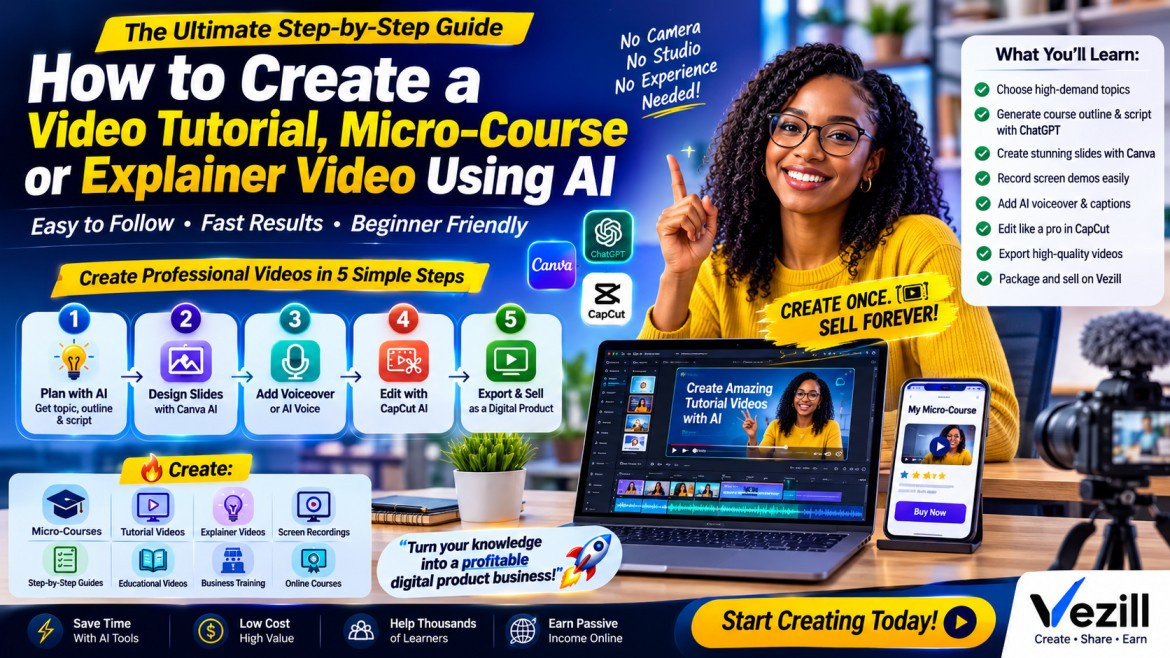
Learn How to Create a Video Tutorial, Micro-Course or Explainer Video Using AI
By Super Admin
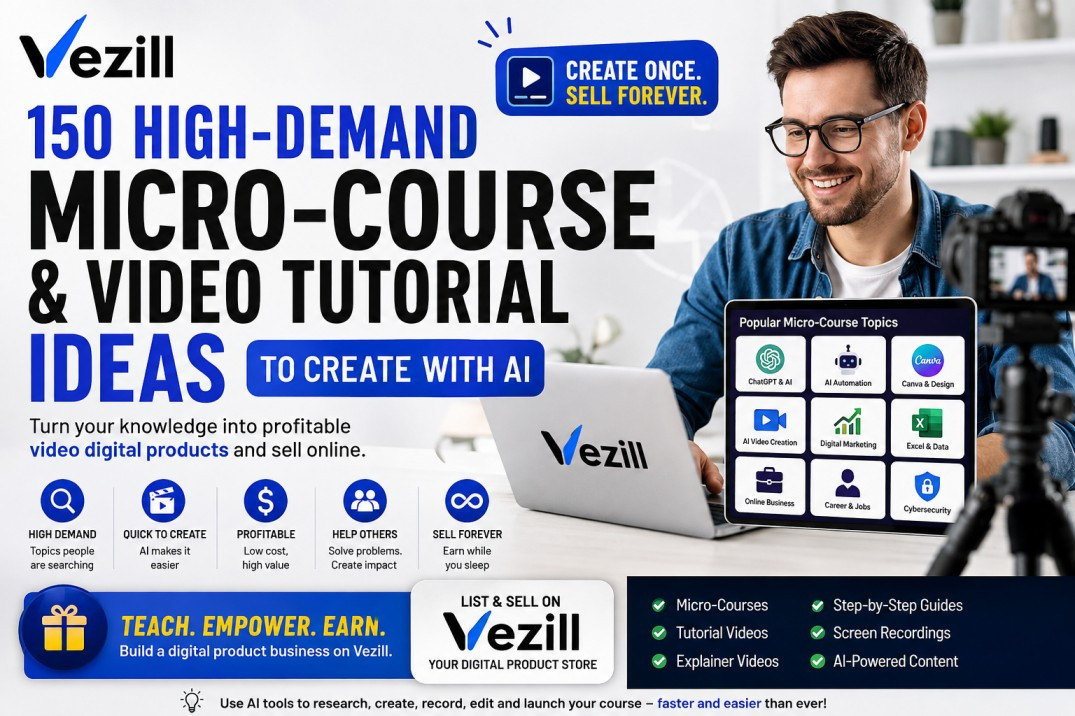
Discover 150 high-demand micro-course, video tutorial and explainer video ideas you can create with AI and sell online as digital products.
By Super Admin
Get the updates, on newly released, popular & fast-moving MRR digital products
Up to Top