
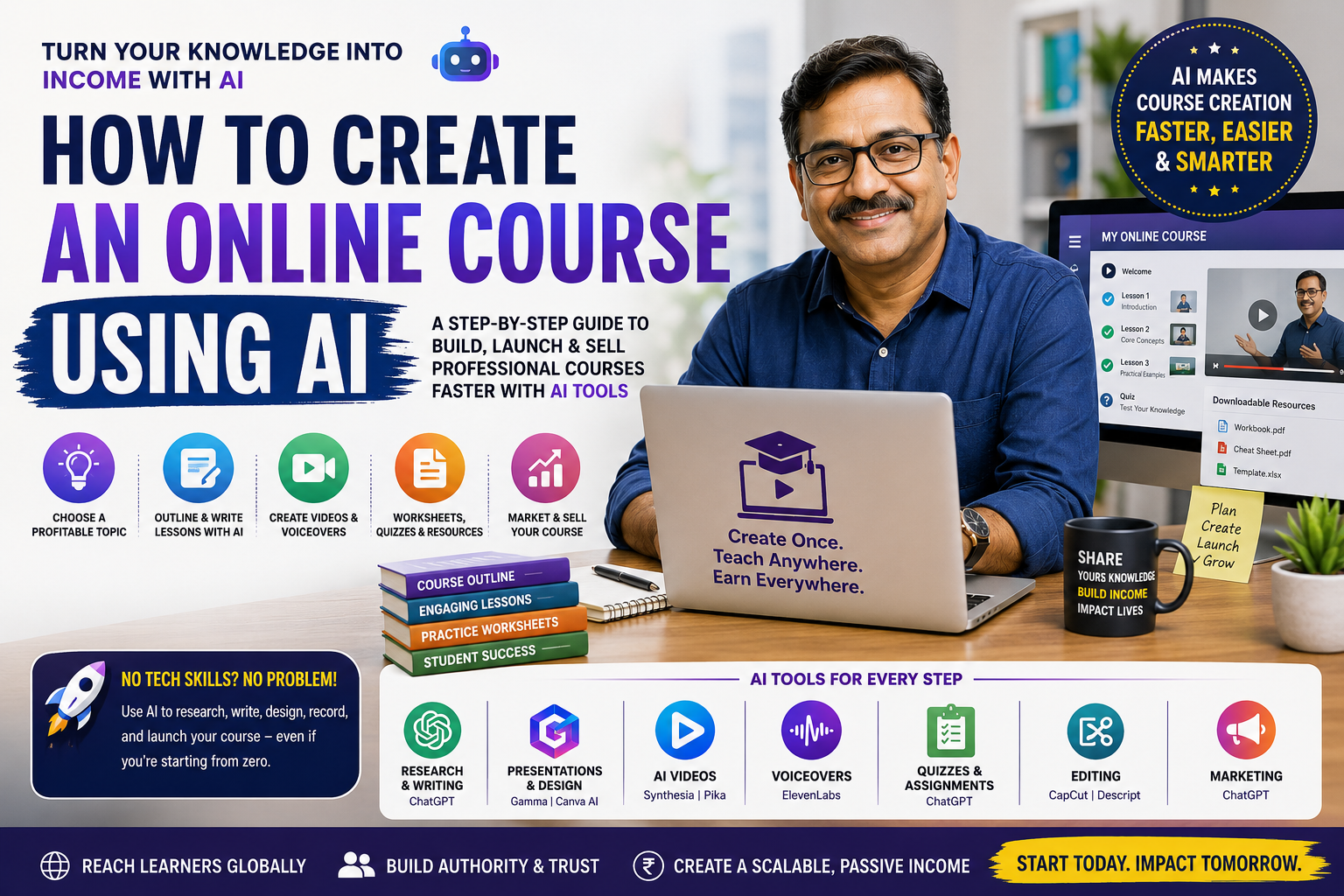
Artificial Intelligence (AI) has completely transformed online course creation.
What once required months of planning, scripting, filming, editing, designing, and marketing can now be accomplished in days or even hours, with the right AI tools.
Whether you're a teacher, coach, consultant, freelancer, entrepreneur, student, or industry expert, AI allows you to package your knowledge into a professional online course without needing expensive equipment or a large production team.
In this guide, you'll learn exactly how to create an online course using AI, which AI tools to use, how to structure lessons, generate videos, create workbooks, market your course, and sell it globally.
Traditional course creation often involves:
Writing scripts
Recording videos
Editing footage
Designing slides
Creating quizzes
Producing worksheets
Building landing pages
Marketing the course
AI now automates much of this work.
Benefits include:
Faster course creation
Lower production costs
Professional-quality content
Easier updates
Personalized learning materials
Better student engagement
Scalable business opportunities
This is why searches such as:
How to create an online course using AI
Best AI tools for course creators
AI course generator
AI video course creator
AI teaching assistant
continue to grow worldwide.
Yes, with human guidance.
AI can help you:
Generate course ideas
Research student questions
Build the curriculum
Write lesson scripts
Design presentations
Create videos
Generate voiceovers
Produce quizzes
Create assignments
Write eBooks
Design certificates
Generate marketing copy
Your role becomes providing expertise, reviewing outputs, and ensuring accuracy.
The best online courses solve real problems.
Examples include:
Digital Marketing
Freelancing
Social Media Marketing
E-commerce
Entrepreneurship
ChatGPT
Prompt Engineering
AI for Teachers
AI for Students
AI for Small Businesses
Personal Finance
Investing
Budgeting
Saving Money
Web Development
Python
Excel
Data Analysis
Cybersecurity
KCSE Revision
Mathematics
English
Science
Exam Preparation
Fitness
Nutrition
Photography
Parenting
Cooking
Tip: Choose a topic where you already have experience or can provide practical value.
Before creating your course, confirm that people actually want it.
Ask AI:
"What are the most searched questions about AI for teachers?"
Or
"List common beginner questions about investing."
You can also analyse:
Google autocomplete
Google Trends
Reddit discussions
Quora questions
YouTube comments
Community forums
AI chat queries
The best courses answer questions people ask every day.
Instead of spending days planning, ask AI to create a structured curriculum.
Example prompt:
Create a beginner-friendly online course outline for Digital Marketing consisting of six modules with practical assignments.
AI can generate:
Modules
Lessons
Learning objectives
Practical exercises
Case studies
Final projects
Example structure:
Module 1 – Introduction
Module 2 – Fundamentals
Module 3 – Practical Skills
Module 4 – Advanced Strategies
Module 5 – Real Projects
Module 6 – Launch & Growth
AI can draft:
Lesson scripts
Instructor notes
Student guides
Summaries
Examples
Activities
Instead of writing from scratch, refine AI-generated content using your expertise and real-world examples.
Use AI presentation tools to generate:
Course slides
Infographics
Diagrams
Timelines
Charts
Visual explanations
Good visuals significantly improve learning retention.
You no longer need expensive cameras.
AI video tools can produce:
Talking presenter videos
Animated lessons
Screen tutorials
Whiteboard explanations
Avatar instructors
You can combine:
AI voice
AI presenter
AI subtitles
AI translations
This allows you to create multilingual courses for global audiences.
Every quality course should include downloadable resources.
Examples:
PDF guides
Checklists
Templates
Practice exercises
Cheat sheets
Revision notes
Workbooks
AI can generate these resources within minutes.
These downloadable materials also increase the perceived value of your course.
Students learn better when tested.
AI can create:
Multiple-choice questions
True/False quizzes
Assignments
Case studies
Reflection questions
Practical tasks
This saves hours of manual work while improving engagement.
If you dislike recording your own voice, AI voice generators can produce natural-sounding narration.
Advantages include:
Consistent quality
Multiple languages
Faster production
Easier updates
Professional delivery
Many creators combine AI narration with screen recordings and presentation slides.
AI editing tools can:
Remove background noise
Add captions
Improve audio
Enhance video quality
Remove filler words
Generate transitions
Resize videos for different platforms
Editing that once took days can now be completed in hours.
Once your course is complete, you need a platform where customers can purchase and access it.
One effective option is Vezill, which allows creators to upload and sell digital products - including online courses, eBooks, video tutorials, templates, audio files, and software, from a single account. Because the platform also supports digital product bundles, you can package your course with workbooks, prompt libraries, or downloadable templates to increase its value.
For creators who want additional income opportunities, offering selected products with Master Resell Rights (MRR) can enable buyers to legally resell eligible digital products while keeping a significant share of each sale, creating another distribution channel alongside your direct course sales.
You can also increase revenue by:
Selling course bundles
Creating premium editions
Offering certificates
Adding coaching sessions
Including downloadable resources
Creating the course is only half the work.
AI can generate:
SEO blog articles
Landing pages
Email campaigns
Social media posts
TikTok scripts
YouTube descriptions
Facebook ads
LinkedIn posts
Sales pages
One piece of course content can be repurposed into dozens of promotional assets.
|
Purpose |
Recommended AI Tools |
|
Research |
ChatGPT, Perplexity |
|
Writing |
|
|
Presentations |
Gamma, Canva AI |
|
Images |
ChatGPT Images, Midjourney, Adobe Firefly |
|
Video |
Synthesia, HeyGen, Pika |
|
Voiceovers |
ElevenLabs |
|
Audio Cleanup |
Adobe Podcast |
|
Editing |
CapCut AI, Descript |
|
Quizzes |
ChatGPT |
|
Marketing |
ChatGPT, Canva AI |
Avoid these common mistakes:
Choosing a topic with little demand
Publishing without validating the market
Overloading lessons with unnecessary information
Depending entirely on AI without fact-checking
Ignoring practical exercises
Poor audio quality
Weak course descriptions
No marketing plan
No downloadable resources
Never updating the course
AI can generate outlines, scripts, quizzes, presentations, videos, worksheets, and marketing materials, but human review is essential to ensure accuracy, originality, and practical value.
Yes. AI significantly reduces the technical barriers, making it easier for beginners to produce professional learning materials.
No. AI avatar presenters, screen recordings, narrated slides, or animation-based lessons can all be effective alternatives.
Yes, provided you comply with the licensing terms of the AI tools you use, avoid copyright infringement, and ensure your course contains original value rather than simply reproducing AI output.
Income varies widely based on niche, pricing, audience size, marketing, and course quality. Successful creators often expand earnings by selling complementary digital products such as templates, eBooks, prompt packs, and downloadable resources alongside their courses.
Artificial intelligence has made online course creation more accessible than ever. With the right workflow, you can move from an idea to a polished course in a fraction of the time previously required, while maintaining high quality through careful review and expert input.
The strongest course businesses don't stop at a single product. They build an ecosystem of complementary digital assets - courses, eBooks, templates, AI prompts, worksheets, and resource packs - that address different customer needs. Selling these together through a digital marketplace such as Vezill can help diversify your revenue and reach a wider audience while keeping ongoing distribution simple.
As AI continues to improve, creators who combine genuine expertise with AI-powered production and strong SEO will be well positioned to attract learners through both traditional search engines and AI-powered search experiences.
Discover more articles you might be interested in
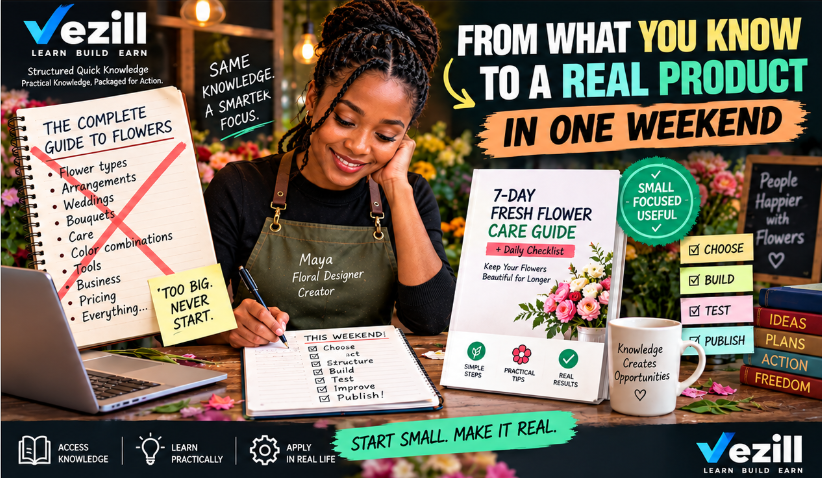
how to create your first knowledge product in one weekend
By Davie
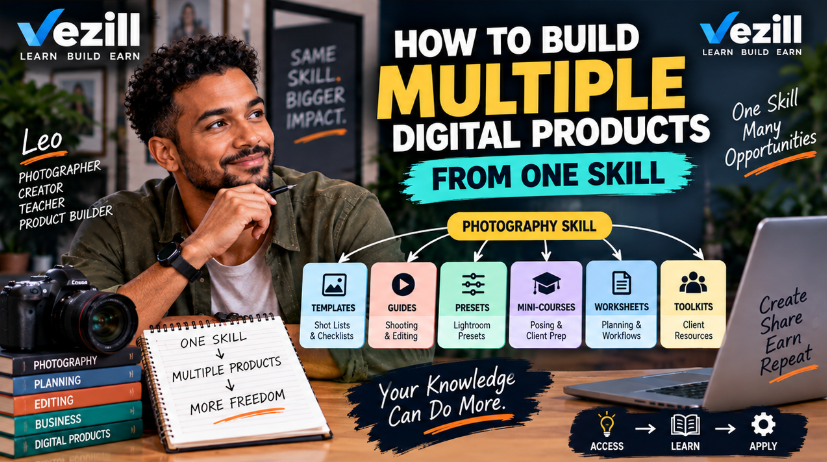
how to build multiple digital products from one skill
By Davie

how to find problems people will pay you to solve
By Davie
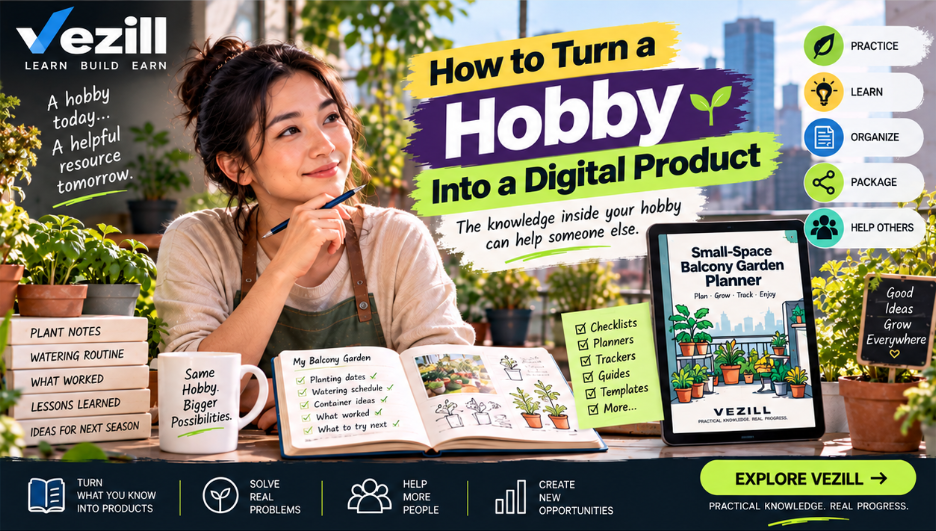
How to turn a hobby into a digital product
By Davie
Get the updates, on newly released, popular & fast-moving MRR digital products
Up to Top
Comments All
Ryan
@ryan
Creating a course always seemed like a lot of work, but this makes the process feel much more manageable. I like the idea of using AI to help with planning, content, and structure while still adding your own knowledge. Definitely a useful guide for anyone thinking of creating a course.
August 28,2026 At 02:15 PM